Overview
Auto Silence Remover
1-Click Voice & Muted Gap Trimmer for Adobe Premiere Pro & After Effects
⚡ Overview
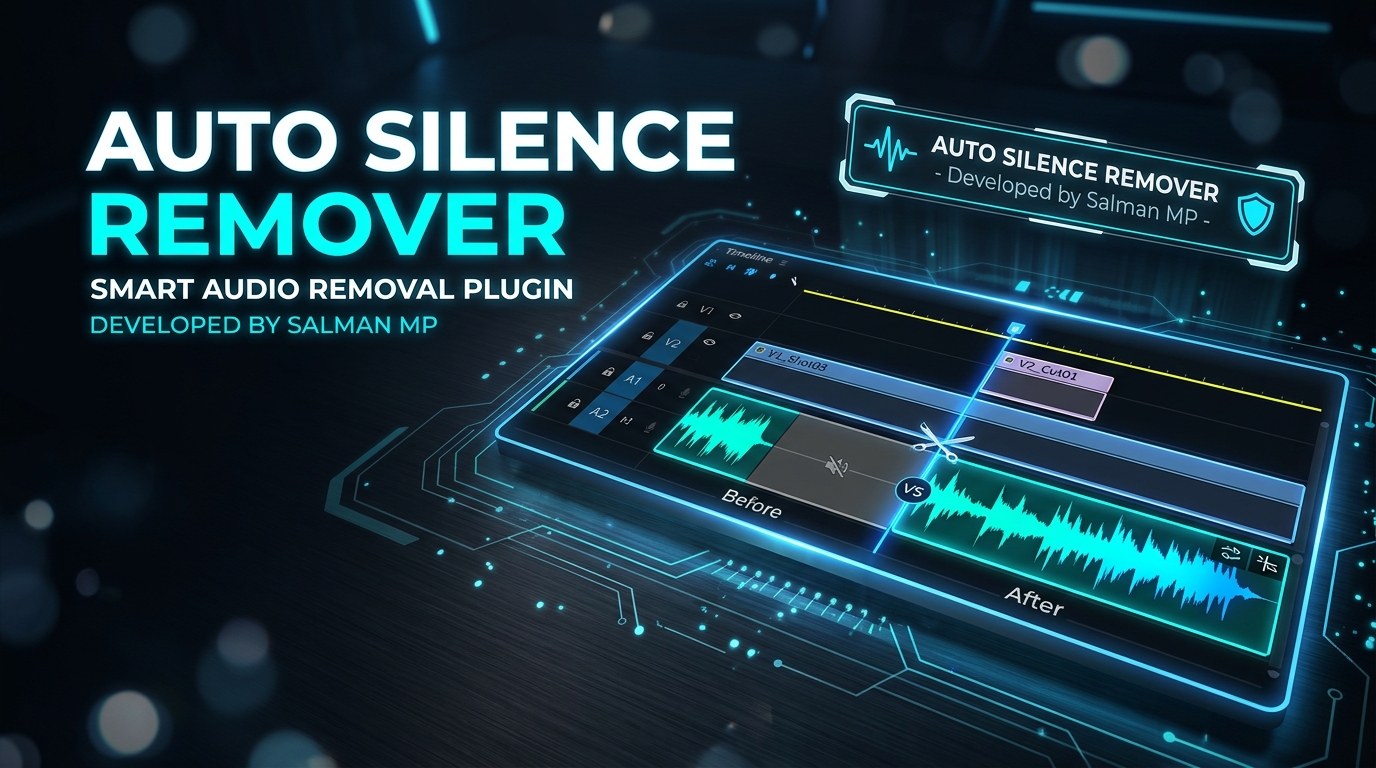
Auto Silence Remover is a fast, automated CEP extension for Adobe Premiere Pro (and compatible with After Effects) that eliminates silent pauses, dead air, and muted intervals in recorded speech, podcast dialogues, tutorials, and video clips in a single click.
It analyzes audio waveforms with custom decibel thresholds, calculates speech boundaries with anti-word-clipping padding, and reconstructs seamless timelines instantly.
✨ Features
- ⚡ Single-Click Silence Trimming: Select any voice or video clip in your timeline, press the button, and all muted gaps are gone.
- 🎚️ Smart Decibel (dB) Threshold: Configure custom silence thresholds (e.g.,
-35 dB) to cleanly separate room tone/noise from active vocal dialogue. - ⏱️ Minimum Gap Duration: Specify minimum pause duration (
0.40sdefault) to preserve natural pauses within sentences while removing long dead air. - 🛡️ Voice Padding (Margin): Built-in pre- and post-speech margins (
0.08sdefault) protect the first and last syllables of words from being clipped. - 🚀 1-Click Installer: Automated
.batscript enables Adobe debug registry modes and copies extension files into the target CEP directory automatically.
🚀 Installation
Option 1: 1-Click Automated Installer (Recommended)
- Clone or download this repository.
- Double-click
Install_AutoSilenceRemover.bat. - Launch or restart Adobe Premiere Pro.
- Navigate to:
Window→Extensions→Auto Silence Remover.
Option 2: Manual Installation
- Enable Adobe PlayerDebugMode in Windows Registry:
for ($i=7; $i -le 25; $i++) { $p = "HKCU:\Software\Adobe\CSXS.$i" if (!(Test-Path $p)) { New-Item -Path $p -Force | Out-Null } Set-ItemProperty -Path $p -Name "PlayerDebugMode" -Value "1" -Force } - Copy the plugin directory to:
%APPDATA%\Adobe\CEP\extensions\com.salmanmp.silencecutter - Restart Premiere Pro.
📖 How to Use
- Select Clip: Highlight the audio or video track clip you wish to edit in the timeline.
- Fine-tune Settings (Optional):
- Silence Threshold: Volume level under which audio is considered mute (default:
-35 dB). - Min Gap Duration: Shortest silence gap to remove (default:
0.40 s). - Voice Margin: Safety margin added around vocal segments (default:
0.08 s).
- Silence Threshold: Volume level under which audio is considered mute (default:
- Execute: Click
⚡ Remove Muted Gaps.
📂 Project Structure
PremiereProSilenceCutter/
├── CSXS/
│   └── manifest.xml                     # Adobe CEP extension manifest bundle
├── client/
│   ├── index.html                       # Extension UI panel
│   ├── style.css                        # Modern dark interface styling
│   ├── main.js                          # WebAudio RMS analyzer & coordinator
│   └── CSInterface.js                   # Adobe CEP communication bridge
├── host/
│   └── hostscript.jsx                   # ExtendScript Premiere timeline automation
├── Install_AutoSilenceRemover.bat       # 1-Click Windows installer
├── SalmanMP_SilenceRemover_Script.jsx   # Standalone JSX runner script
├── index.html                           # Web documentation landing page
├── featured_banner.jpg                  # Portfolio showcase artwork
└── README.md                            # Documentation & guide
👨💻 Author
Salman MP
- Project: Auto Silence Remover Extension
- Host Targets: Adobe Premiere Pro & Adobe After Effects
📄 License
This project is licensed under the MIT License.
Project Details
Year
2026Downloads
Want to build something similar?
I'm currently available for new projects and collaborations.
Let's Talk